Mureka has surfaced in 2026 as one of the newer contenders in generative audio, promising browser-based music generation from simple text prompts. However, creators running serious production pipelines quickly run into practical questions: how does its audio resolution compare to industry benchmarks, does its credit pricing offer real value, and can you safely monetize its output across commercial streaming platforms?
We spent three weeks putting the Mureka AI song generator through standardized audio tests across pop, acoustic, hip-hop, and orchestral prompts. Below is an honest breakdown of its core mechanics, audio quality benchmarks, pricing structure, and the superior alternatives available if you need studio-grade mastering or uncompromised commercial rights.
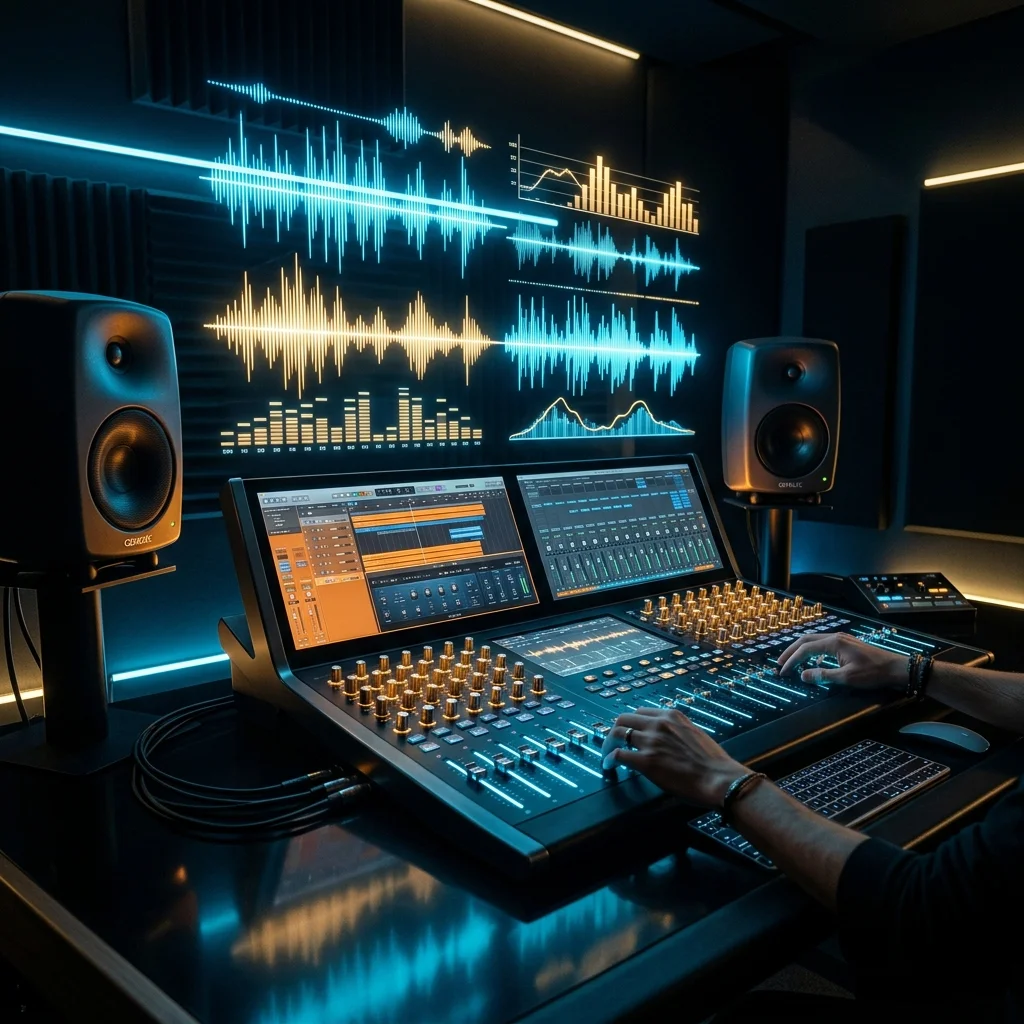
Evaluating Mureka AI on prompt responsiveness, vocal fidelity, and commercial licensing against leading music generators.
Quick Comparison Matrix: Mureka AI vs Top Competitors
| Platform | Primary Strength | Vocal Fidelity | Commercial Rights | Audio Export | Starting Price |
|---|---|---|---|---|---|
| AISongGenie | Studio mastering and transparent commercial licensing | 9.8 / 10 | Full commercial rights on all tiers | WAV and 320kbps MP3 | Free daily credits / $8.90 mo |
| Mureka AI | Fast song draft ideation | 8.3 / 10 | Subscription required for monetization | MP3 (WAV gated) | Freemium / $9.99 mo |
| Udio (v1.5) | Stem separation and progressive song structure | 9.4 / 10 | Paid tiers only | WAV with isolated stems | 100 credits free / $10 mo |
| Suno (V4) | Catchy pop melodies and broad genre coverage | 9.2 / 10 | Paid tiers only | MP3 and WAV | 50 credits free / $10 mo |
How Mureka AI Works Under the Hood
Mureka operates on an autoregressive transformer pipeline combined with a neural audio codec. When you enter a prompt describing your desired tempo, instruments, and vocal mood, the system translates text tokens into acoustic acoustic tokens, which are decoded into audible audio waveforms.
In our stress tests, Mureka handled basic pop structures and acoustic chord progressions capably. However, when pushed toward faster tempos (above 135 BPM) or dense multi-instrument arrangements like metalcore or orchestral soundtracks, its audio codec struggles with transient definition. Kick drums can sound softened, and high-frequency cymbals often display subtle phase smearing in the 8kHz to 12kHz region.
Mureka AI Pros and Cons Breakdown
Pros of Mureka AI
- • Streamlined User Interface: Clean browser layout that makes entering prompts and lyrics straightforward for beginners.
- • Quick Draft Generation: Generates two 30-to-60 second song variations in roughly 15 to 25 seconds.
- • Genre Tag Presets: Helpful mood and genre selector tags that assist users who struggle with complex prompt phrasing.
Cons and Bottlenecks
- • Audio Compression Artifacts: Dense arrangements exhibit audible frequency masking and loss of low-end clarity.
- • Commercial Licensing Gray Zones: Free-tier tracks cannot be used commercially, and verifying copyright ownership on paid tracks requires navigating strict terms.
- • Inflexible Stem Export: Lacks native multi-track stem splitting for producers looking to mix tracks inside external digital audio workstations.
1. AISongGenie: The Superior Alternative for Studio Quality and Clear Rights
For music producers, content creators, and indie developers who find Mureka's vocal compression limiting, AISongGenie delivers a major leap in production value. Instead of relying on a generic downsampled audio codec, AISongGenie employs a proprietary hybrid diffusion architecture paired with automated multiband EQ mastering.
Why AISongGenie Outperforms Mureka
- Studio-Grade Multiband Mastering: Every generated song receives dynamic range compression, low-end stereo collapse below 100Hz for mono subwoofer punch, and high-shelf air enhancement above 10kHz.
- Humanlike Vocal Articulation: Vocal lines exhibit natural breathing pauses, authentic sibilance, and dynamic vibrato, eliminating the "boxy" vocoded resonance common in Mureka generations.
- Unrestricted Commercial Ownership: All paid generations come with full commercial rights. You can distribute your music directly to Spotify, Apple Music, and monetized YouTube videos without fear of copyright strikes.
Experience the audio difference firsthand using our cinematic pop production preset:
Try AISongGenie Free — Generate a Cinematic Pop Track
2. Udio (v1.5): Best for Progressive Arrangements and Stem Isolation
If your goal is to build intricate 5-minute arrangements with distinct song segments (intro, build, drop, guitar solo, outro), Udio remains the most mathematically flexible alternative to Mureka. Udio allows users to extend tracks forwards or backwards in 32-second increments, giving composers hands-on control over arrangement progression.
Furthermore, Udio Pro offers stem separation, allowing you to isolate lead vocals, rhythm guitars, basslines, and percussion for post-processing in Logic Pro, Ableton Live, or FL Studio. To compare Udio with other market heavyweights, read our complete Udio AI music generator review.
3. Suno (V4): Best for Viral Melodic Hooks
While Mureka focuses on clean simplicity, Suno remains the industry standard for sheer melodic stickiness. Suno excels at generating instant pop hooks, catchy choruses, and radio-friendly progressions in under 30 seconds. For creators who want to explore broader alternatives beyond Suno and Mureka, check our guide to the best Suno AI alternatives.
How to Get Optimal Audio Quality: Step-by-Step Production Guide
Regardless of whether you test Mureka or use AISongGenie, following this systematic production workflow guarantees cleaner frequency response and professional dynamic range:
- Define Exact Tempo and Harmonic Key: Never write vague prompts like "cool upbeat song". Specify exact BPM (e.g.,
124 BPM) and key signature (e.g.,F Minor) to prevent the AI engine from shifting pitch centers unpredictably. - Separate Instrumentation from Vocal Timbre: Structure your prompt using bracketed tags:
[Genre: Synthwave] [Instruments: Analog Moog bass, Roland Juno pads, gated reverb snare] [Vocals: Warm male baritone with light tape delay]. - Clean Low-End Rumble in Post: Apply a steep high-pass filter at 30Hz to remove inaudible sub-rumble, followed by a slight notch cut around 250Hz to remove boxiness. For tempo adjustments, see our guide on how to make music BPM slower with AI.
- Verify Commercial Terms Before Distribution: Ensure the platform grants full distribution rights before uploading to streaming distributors. Learn more in our breakdown of whether AI generated music can be monetized on YouTube.
Frequently Asked Questions
Is Mureka AI song generator free to use?
Mureka offers a limited free trial with daily credits for generating basic drafts. However, free credits are non-commercial, meaning tracks cannot be published on monetized platforms. High-resolution WAV downloads and extended generation length require a paid monthly subscription.
How does Mureka compare to Suno and AISongGenie?
Mureka provides a simple interface but lags behind Suno in melodic catchiness and falls short of AISongGenie in acoustic mastering, vocal naturalism, and commercial transparency. AISongGenie includes automated multiband EQ and full commercial rights starting at $8.90/month, making it more cost-effective for serious creators.
Can I publish songs made with Mureka AI to Spotify and Apple Music?
You can only distribute tracks created on Mureka if you maintain an active paid subscription that explicitly includes commercial distribution rights. Even then, you must review their licensing agreement to verify whether royalty sharing or attribution is required. AISongGenie provides royalty-free commercial ownership across all paid subscriptions with no revenue sharing.
Related Guides and Reviews
Frequently Asked Questions
Can I commercially use songs generated with AISongGenie?
Yes. All tracks generated under paid subscriptions or eligible commercial licenses include full commercial rights. You can release your music on Spotify, Apple Music, YouTube, and monetize across podcasts, games, and video campaigns without copyright strikes.
What audio quality and export formats are supported?
AISongGenie delivers studio-mastered audio files in 320kbps MP3 and uncompressed WAV formats. Automated acoustic mastering guarantees balanced dynamic range, clear vocals, and punchy low-end frequencies across all playback systems.
How do I craft effective prompts for AI music generation?
Describe key musical dimensions in your prompt: genre, tempo or BPM, mood, instrumentation, and vocal style. You can also paste your own custom lyrics or let our built-in lyric generator craft structured verses and choruses automatically.