In the modern streaming landscape, great audio alone is rarely enough to capture listeners' attention. Platforms like TikTok, Instagram Reels, and YouTube Shorts require captivating visual hooks within the first three seconds to prevent users from scrolling past. Producing a traditional music video used to require thousands of dollars for camera gear, lighting setups, location permits, and video editing suites. Today, using an ai music video generator free workflow, independent artists and content creators can transform single audio tracks into breathtaking visual journeys in minutes.
From pulsing 3D audio-reactive spectrums to hyper-realistic AI cinematic story sequences synchronized to drum beats, generative video tools have unlocked studio-tier video production for musicians worldwide. Here is your comprehensive guide to the top free AI music video makers and how to produce high-engagement visuals for your songs.
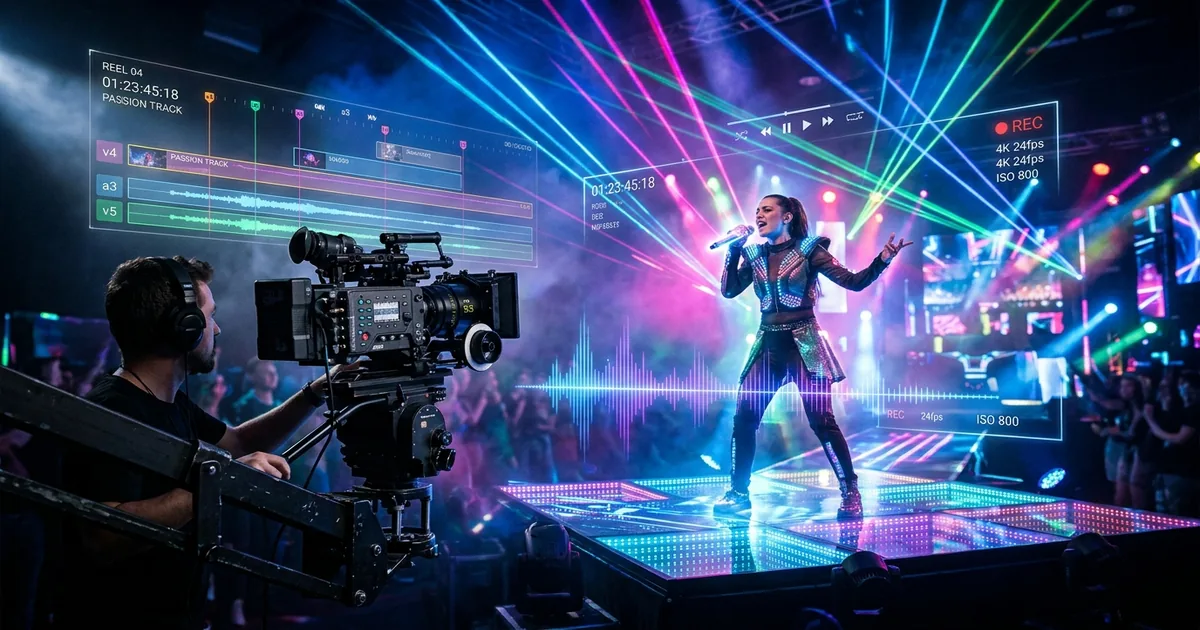
Modern AI video generators analyze audio frequency stems to automatically sync visual scene transitions, camera movements, and lighting pulses to musical beats.
Quick Comparison: Free AI Music Video Creation Platforms
| Tool | Video Generation Style | Beat Sync Accuracy | Max Free Resolution | Watermark on Free Tier | Best Output Platform |
|---|---|---|---|---|---|
| AISongGenie Visualizer | Real-time 3D reactive shaders + particle flows | 100% hardware audio-reactive | 1080p / 4K Ultra HD | No intrusive watermarks | YouTube, TikTok, Spotify Canvas |
| Kaiber AI | Frame-by-frame generative AI animation | 9.2 / 10 | 720p on free trial | Small corner watermark | Music video narrative teasers |
| Noisee AI | Discord-based text-to-video with audio | 8.4 / 10 | 720p | Clean | Short-form social clips |
| Vizmato / Clipfly | Template-based audio spectrum overlay | 8.0 / 10 | 1080p with credit limits | Watermarked on free tier | Podcast audio clips |
How Audio-Reactive AI Video Technology Works
Unlike standard video editors where creators must manually place keyframes along a timeline, AI music video generators employ automated Fast Fourier Transform (FFT) analysis to process audio frequencies into visual parameters:
- 1. Transient Frequency Splitting: The algorithm splits incoming audio into discrete bands: sub-bass (20Hz–100Hz), mid-range vocals (500Hz–2kHz), and high-frequency percussive transients (5kHz–16kHz).
- 2. Parameter Modulation: Kick drum thumps trigger camera zoom pulses, bassline notes modulate color saturation, and vocal phrases drive fluid particle trajectories or character lip movements.
- 3. Temporal Scene Blending: Neural diffusion models morph smoothly between aesthetic prompts, generating dreamlike, surreal landscape transitions that flow in harmony with chord progressions.
3 Popular Visual Styles for AI Music Videos
Different genres call for distinct visual languages. Here are three proven aesthetic templates:
1. Cyberpunk Neon Audio Visualizer
"Glowing neon wireframe grid undulating over an endless digital ocean, reactive soundwave spectrum pulsing to heavy sub-bass drops, retro 80s synth aesthetic, volumetric fog and cinematic anamorphic lens flares"
2. Surreal Fantasy Nature Odyssey
"Bioluminescent enchanted forest at twilight, floating glowing spores reacting to acoustic cello melodies, camera gliding through giant luminous flora, hyper-detailed fantasy landscape, 4K Unreal Engine render"
3. Dark Cinematic Sci-Fi Teaser
"Distant alien monolith orbiting an eclipse, monolithic brutalist spacecraft interior, deep industrial bass reverberations, cinematic 35mm film grain, moody atmospheric lighting"
Try AISongGenie Free — Generate Your Video Soundtrack Now
Step-by-Step: Producing a Viral Music Video for Free
- Step 1: Generate or Upload Your Audio: Ensure your audio is cleanly mastered with dynamic range intact. An uncompressed master allows the AI's frequency analyzer to detect clean transient peaks.
- Step 2: Choose Your Aspect Ratio: Select 9:16 vertical (1080x1920) for TikTok, Instagram Reels, and YouTube Shorts, or 16:9 widescreen (1920x1080 / 3840x2160) for long-form YouTube releases and desktop monitors.
- Step 3: Define Prompt Milestones: Set visual prompts for each structural segment of your song. For example, specify calm moody lighting during the verse, and explode into radiant particle bursts when the chorus drops.
- Step 4: Export and Publish Without Watermarks: Render your final video and publish directly with engaging hashtags to maximize reach on algorithmic video feeds.
Related Guides and Reading
- Top AI Music Video Generators to Bring Your Audio to Life — In-depth breakdown of desktop and cloud video tools.
- AI Music Visualizer Generator (3D) — Building hardware-accelerated 3D audio visualizers.
- Can AI Music Be Monetized on YouTube? — Legal requirements for monetizing audiovisual creations.
- 5 Best AI Music Generation Tools in 2026 — Audio production engines reviewed.
Frequently Asked Questions
Can I commercially use songs generated with AISongGenie?
Yes. All tracks generated under paid subscriptions or eligible commercial licenses include full commercial rights. You can release your music on Spotify, Apple Music, YouTube, and monetize across podcasts, games, and video campaigns without copyright strikes.
What audio quality and export formats are supported?
AISongGenie delivers studio-mastered audio files in 320kbps MP3 and uncompressed WAV formats. Automated acoustic mastering guarantees balanced dynamic range, clear vocals, and punchy low-end frequencies across all playback systems.
How do I craft effective prompts for AI music generation?
Describe key musical dimensions in your prompt: genre, tempo or BPM, mood, instrumentation, and vocal style. You can also paste your own custom lyrics or let our built-in lyric generator craft structured verses and choruses automatically.